Unearthed Logo
    Unearthed Online · Open source

    Your book highlights, in one placeSync From Anywhere

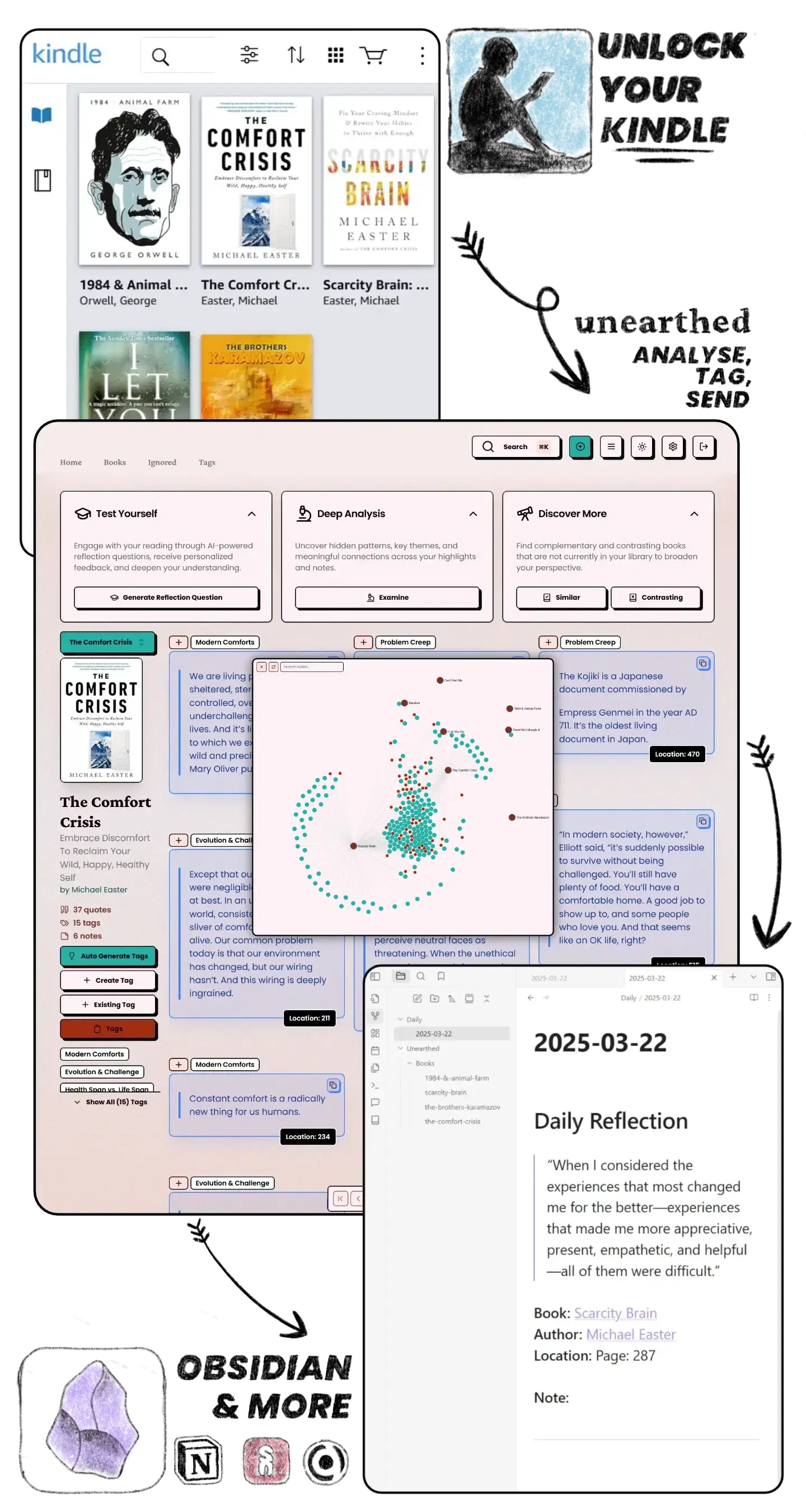
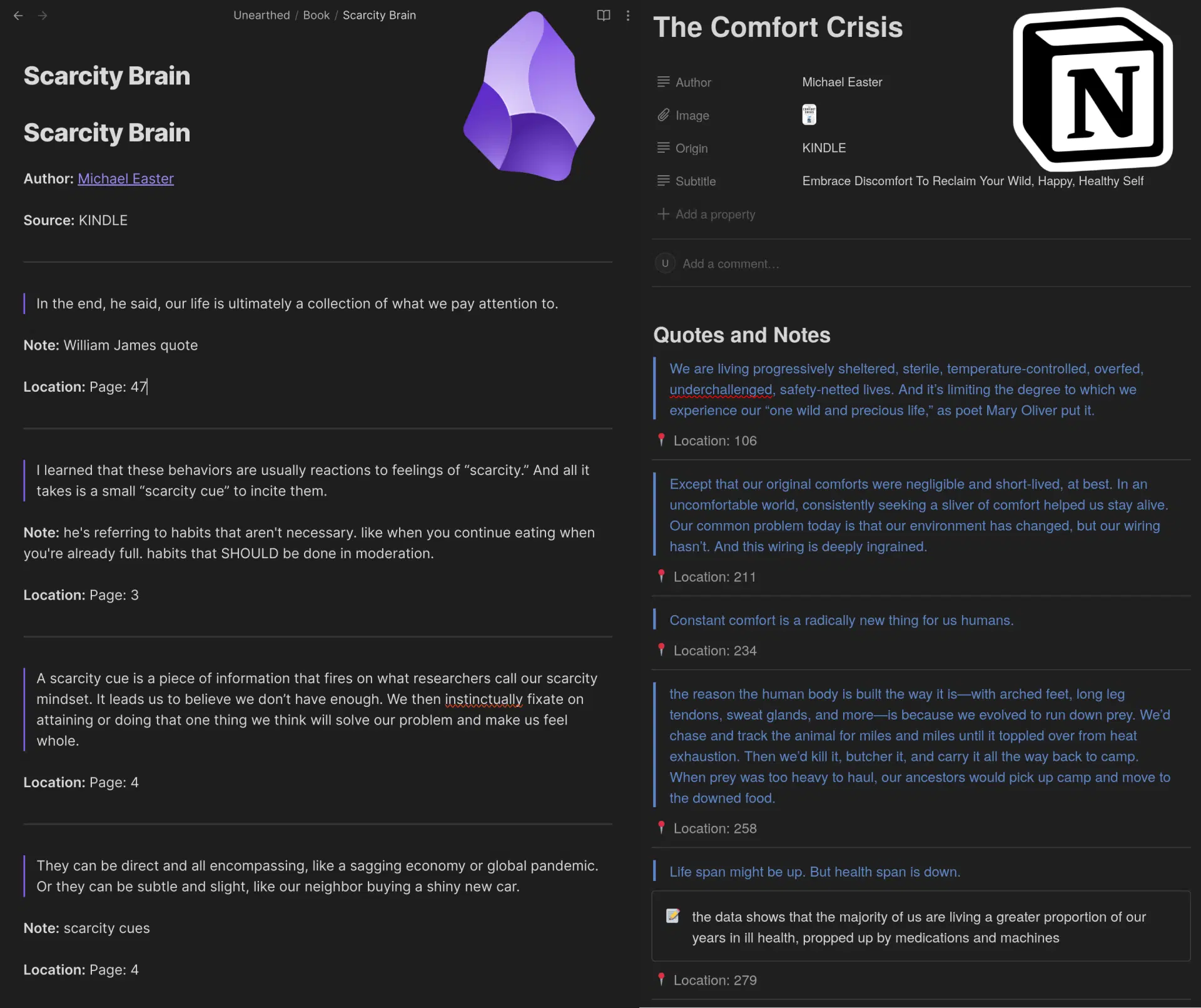
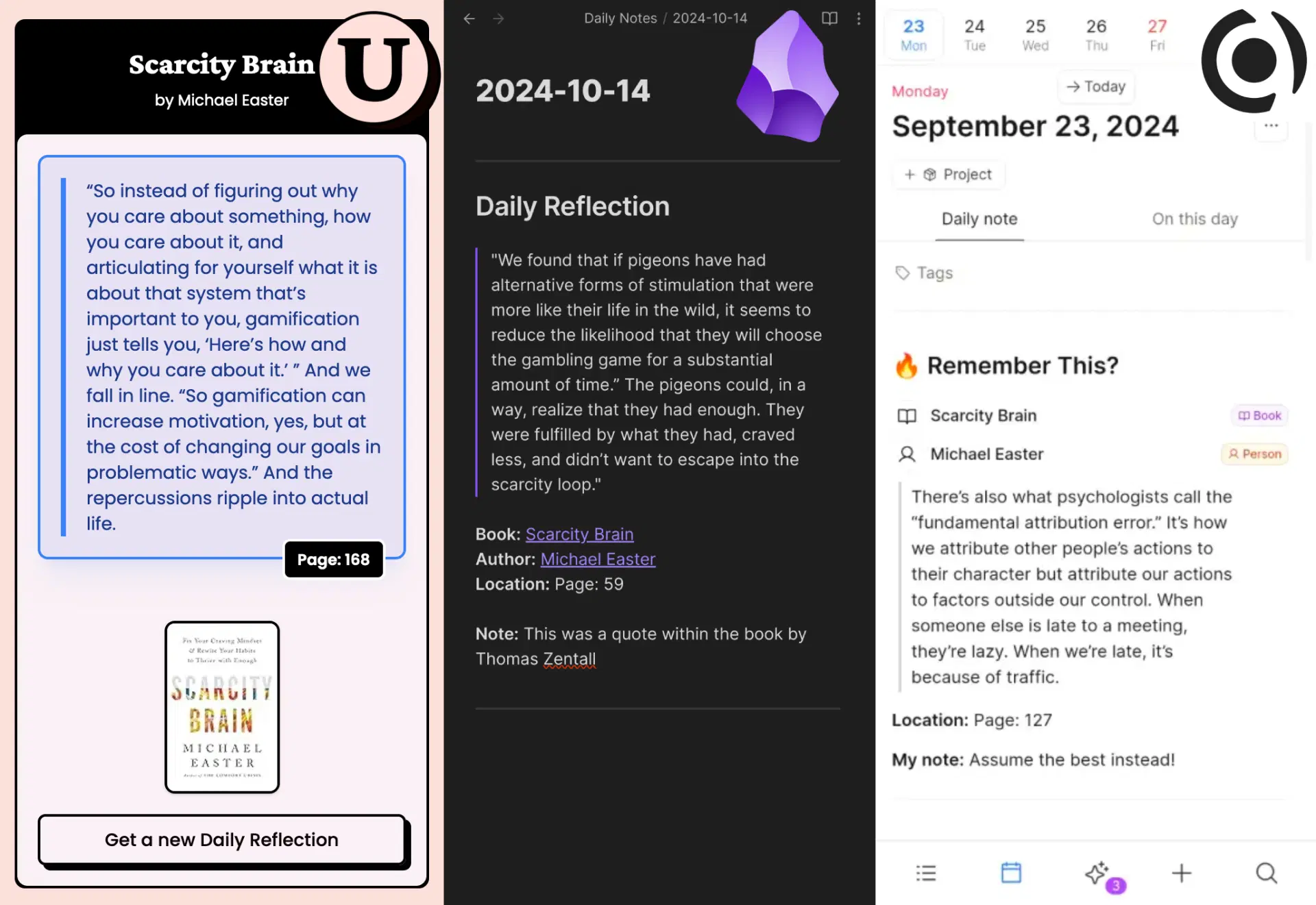
    Collect Kindle and KOReader highlights, search your library, and sync your reading notes to Obsidian or Notion. Send a dailyreflection to Supernotes to revisit what you’ve read. Capacities is coming soon.The web app is open source under GPL-3.0; the hosted service has a monthly subscription.

    Optional AI summaries and book chat
    Sign In/Up

    UNEARTHED

    ONLINE

    Scroll me...

    Kindle and KOReader together ⚆_⚆

    KOReader highlights can now be synced and merged with your Kindle highlights!

    Check it out on GitHub

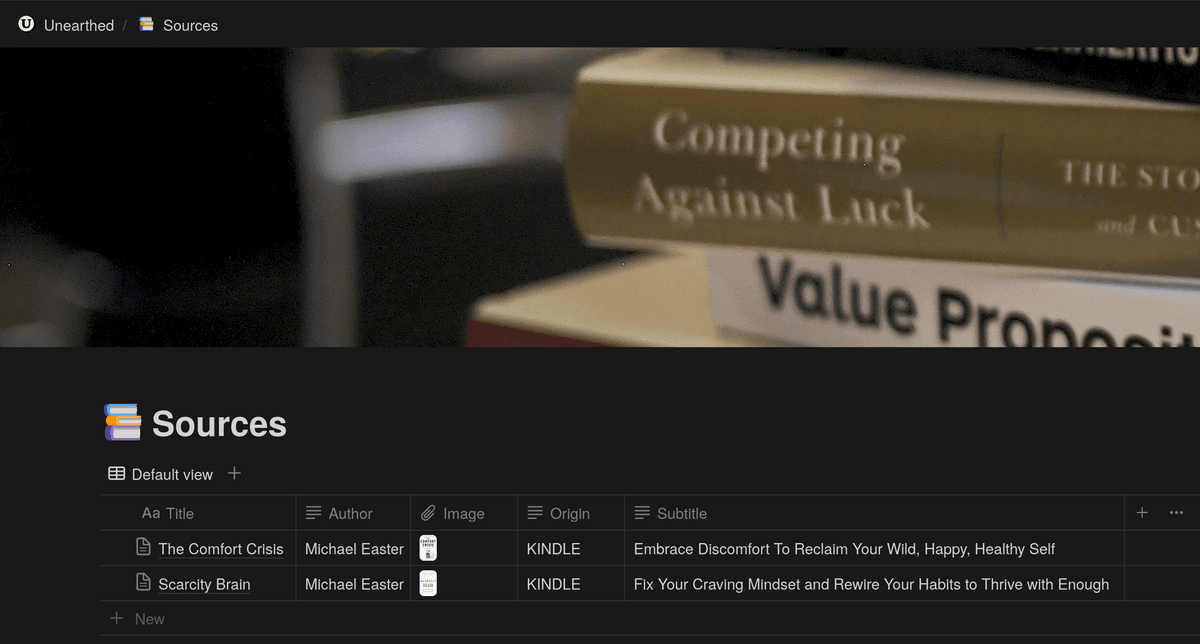
    Import your Kindle and KOReader highlights into the same library. Search across books, add your own notes, and revisit saved passages with daily reflections.

    Connect Obsidian or Notion to export books and highlights.Supernotes can receive your daily reflections. Capacities is coming soon.

    Your Amazon password
    stays with Amazon.

    STEPS

    1
    2
    3
    4
    • 1. Sign up
    • 2. Install extension or plugin- for auto sync
    • 3. Import your highlights
    • 4. Connect note apps - optional

    e-inkle

    Screenshot of Unearthed application interface showing quote management and reading insights features
    box

    Read the source code

    Unearthed Online is open source, including the web app, browser extension, Obsidian plugin and KOReader plugin. Feel free to inspect the code, run it yourself, or contribute to make it better.

    Kindle imports use your signed in Amazon browser session. You do not give your Amazon password to Unearthed Online.

    Open Book
    light

    Optional AI tools for your reading

    Generate summaries, questions and book suggestions when you want them. These tools are optional.
    Blind Spot Detection

    Blind Spot Detection

    Ask AI to suggest topics or viewpoints that are missing from your reading library.

    Generate Reflection Questions

    Generate Reflection Questions

    Generate questions about a book. Write an answer to get AI feedback and another interpretation to consider.
    Book Analysis

    Book Analysis

    Generate a book summary, themes and key points to review alongside your highlights.

    Book Recommendations

    Book Recommendations

    Get book suggestions based on your library, including similar books and books with opposing viewpoints.
    Auto Extract Key Ideas

    Auto Extract Key Ideas

    Generate a draft list of ideas from your highlights, then edit it in your own words.

    SYNC TO THESE APPS
    Notion Logo
    Obsidian Logo
    Supernotes Logo
    Capacities Logo

    Unearthed Online

    $5/mo

    Secure Stripe payments

    Cancel anytime

    Also download 'Unearthed Local' (keep it forever)
    Automatic Kindle Import
    No character limit
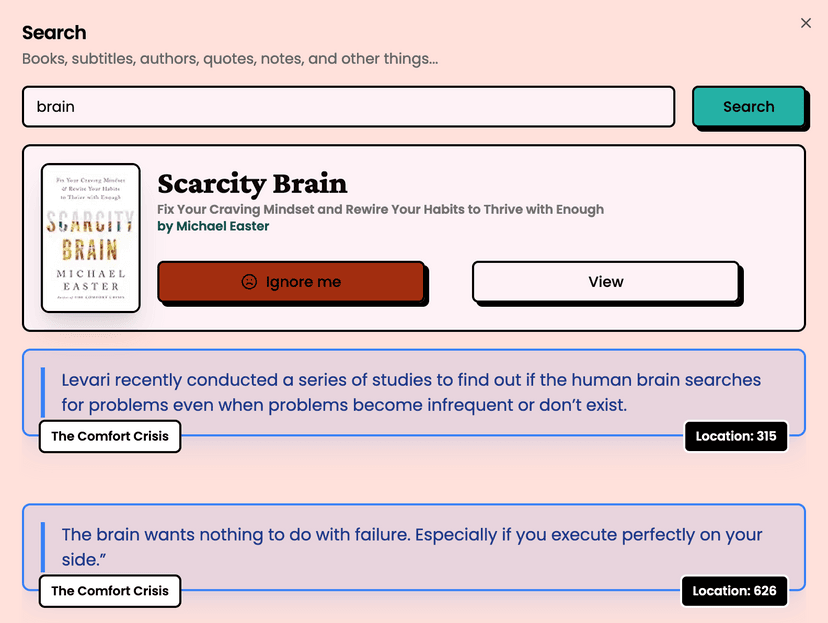
    Global Search
    Select which books to sync
    Everything synced to Obsidian (including Tags)
    Daily Reflection in Unearthed
    Daily Reflection sent to Obsidian
    Daily Reflection sent to Supernotes

    Capacities daily reflections · Coming soon
    Daily Reflection emailed to you
    KOReader highlights and notes imported
    Interactive map to visualise connections between books, quotes, notes, and tags
    Book recommendations based on similar books
    Book recommendations based on opposing viewpoints
    Personalised blind spot detection
    Notion Sync
    Global Search for your notes and tags
    Manually add Books/Authors
    Manually add Quotes/Notes
    Import from CSV files
    Import from Kindle Clippings file
    Direct link to read on Kindle
    AI chat with each book
    Auto extract key ideas
    Auto generate reflection questions, and have your answers rated
    Tag your books and quotes, automatically and manually with inline text detection
    Apply tags globally to all relevant quotes/notes
    Generate book summary, themes, takeaways, reader's perspective
    Help keep this app alive ☺️
    Slide 1
    Slide 2
    Slide 3
    Slide 4

    Guides

    Get your highlights into your notes

    Find setup instructions for your reading and note taking apps, or compare Local, Online and Mobile.

    1. 01Readwise alternative: compare Unearthed features and pricing↗
    2. 02How to get Kindle highlights into Obsidian↗
    3. 03Sync KOReader highlights to Obsidian, Craft or Notion↗
    4. 04Bring Kindle and KOReader highlights into Craft↗
    5. 05Sync Kindle and KOReader highlights to Notion↗
    6. 06Capacities: coming soon↗
    7. 07Save articles for later with Unearthed↗
    8. 08Unearthed Online is open source↗