Your HighlightsYour Machine
Can also sync directly to
Sync Kindle and KOReader highlights to Obsidian and/or Craft. Subscribe to RSS feeds and annotate articles. Designed to stay out of your way and sync in the background, or become a reading companion to help you discover, highlight, and annotate new content. You don't even need to open it after setup if you don't want to. All local. No subscriptions. No cloud.
100% local — your data never leaves your machine (unless you want it to)
Obsidian and Craft.
You don't need a special Obsidian plugin — Local handles it directly. And for Craft, it connects via the Craft API. No extra tools needed for either.
You don't need to plug in a device.
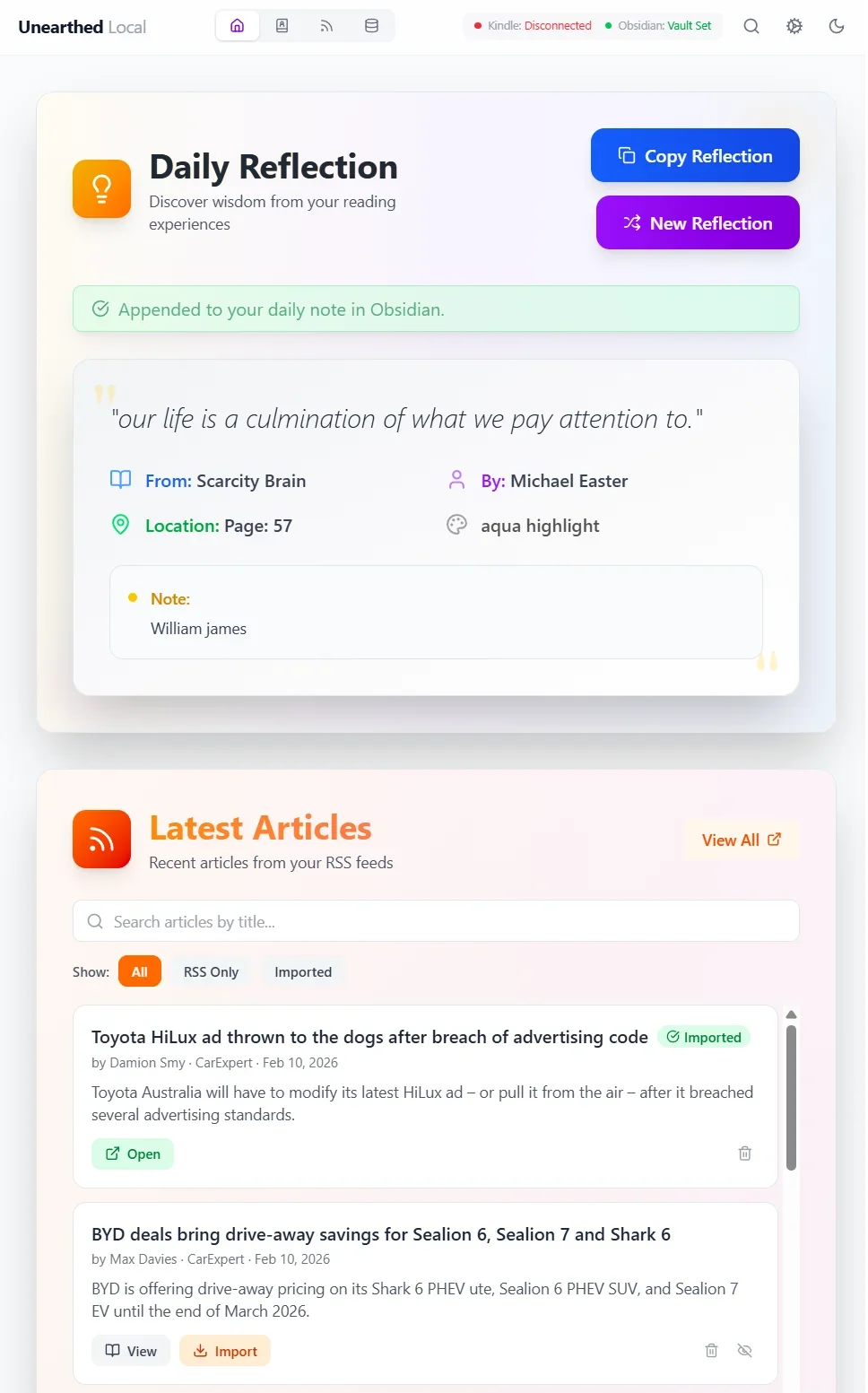
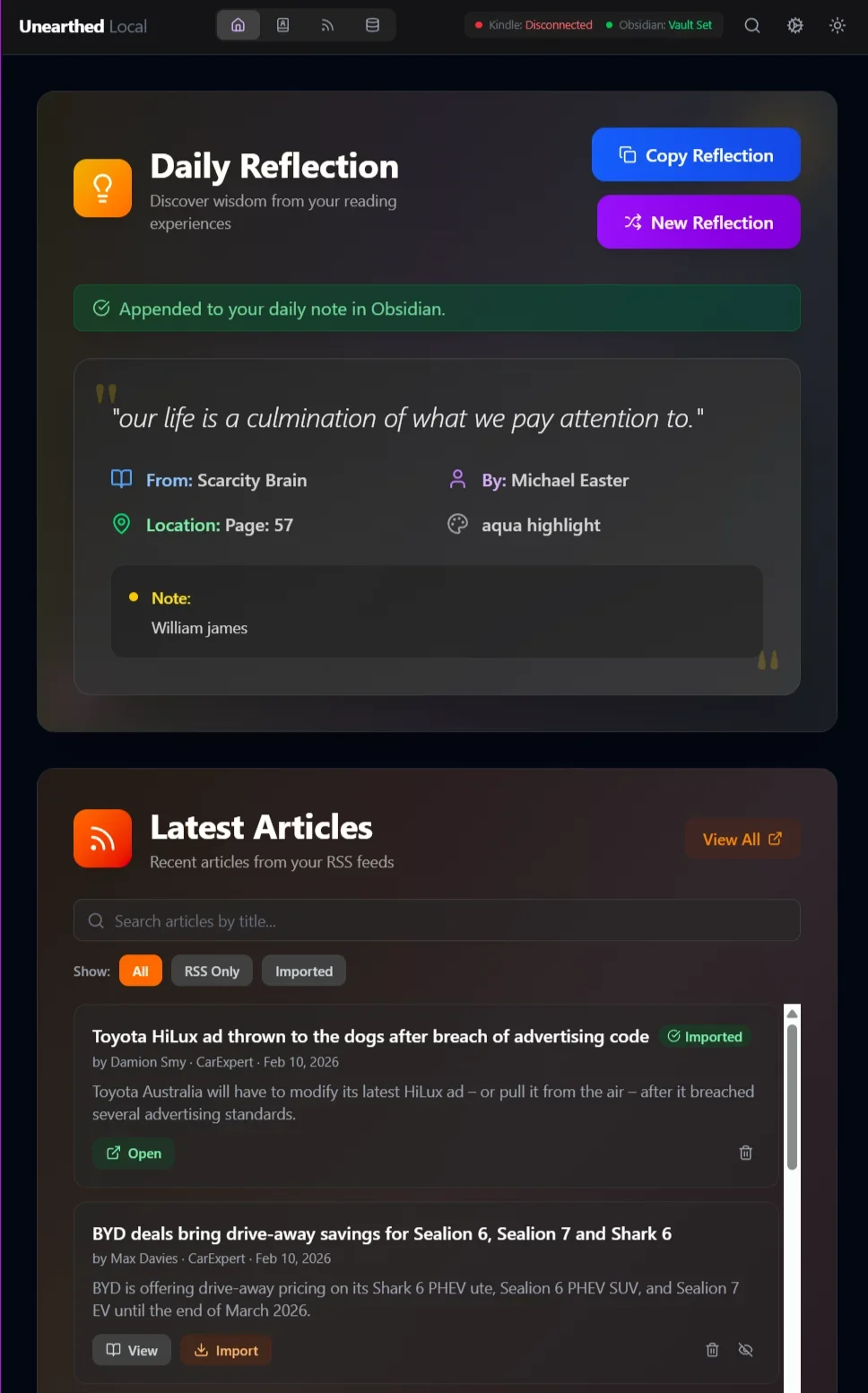
You'll even get a Daily Reflection added to your Obsidian or Craft daily note.
Take back your gathered thoughts and store them where you want them.
BTW this also works with KOReader, so get all your notes and highlights in one place!
YouTube + Full Transcript
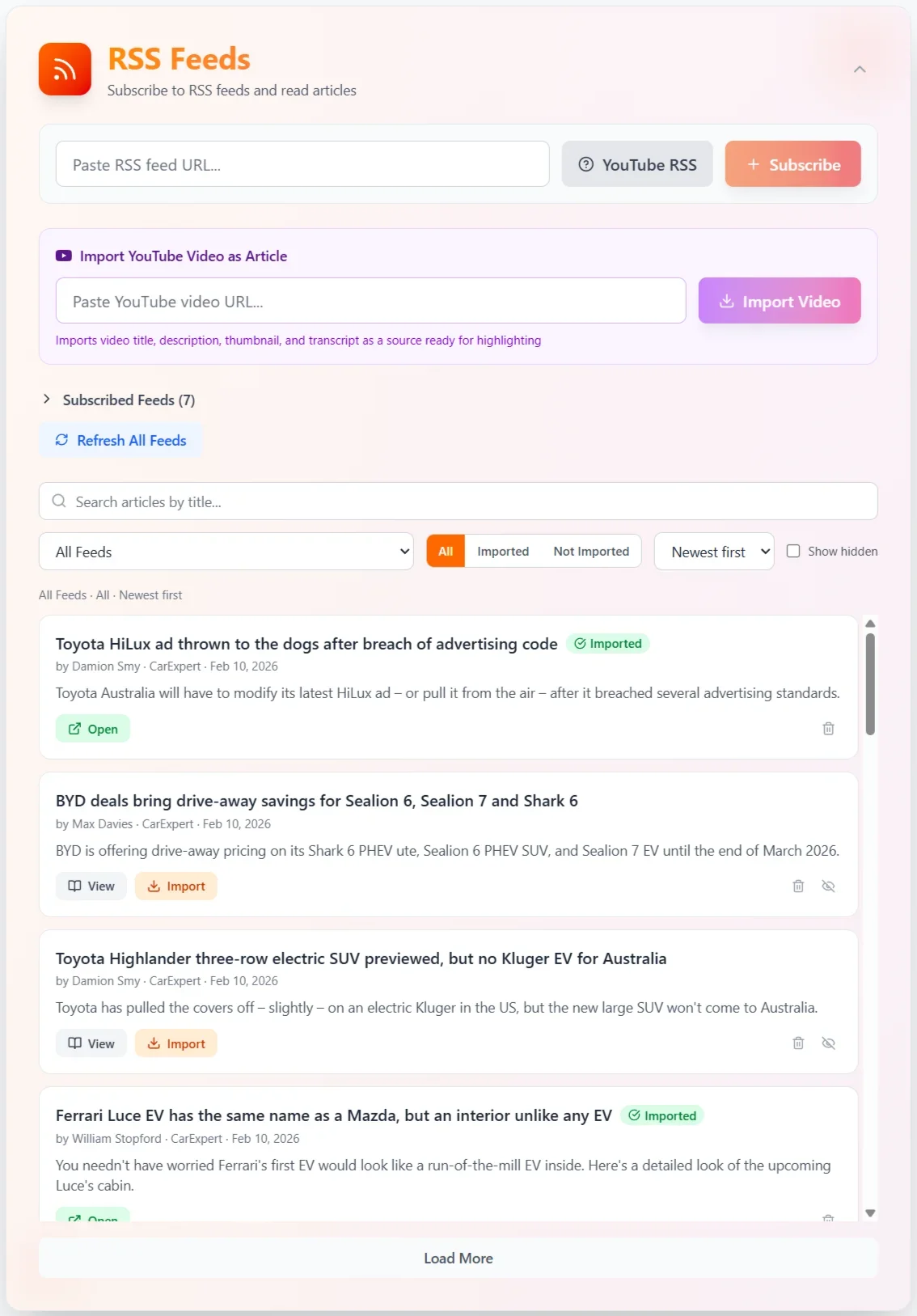
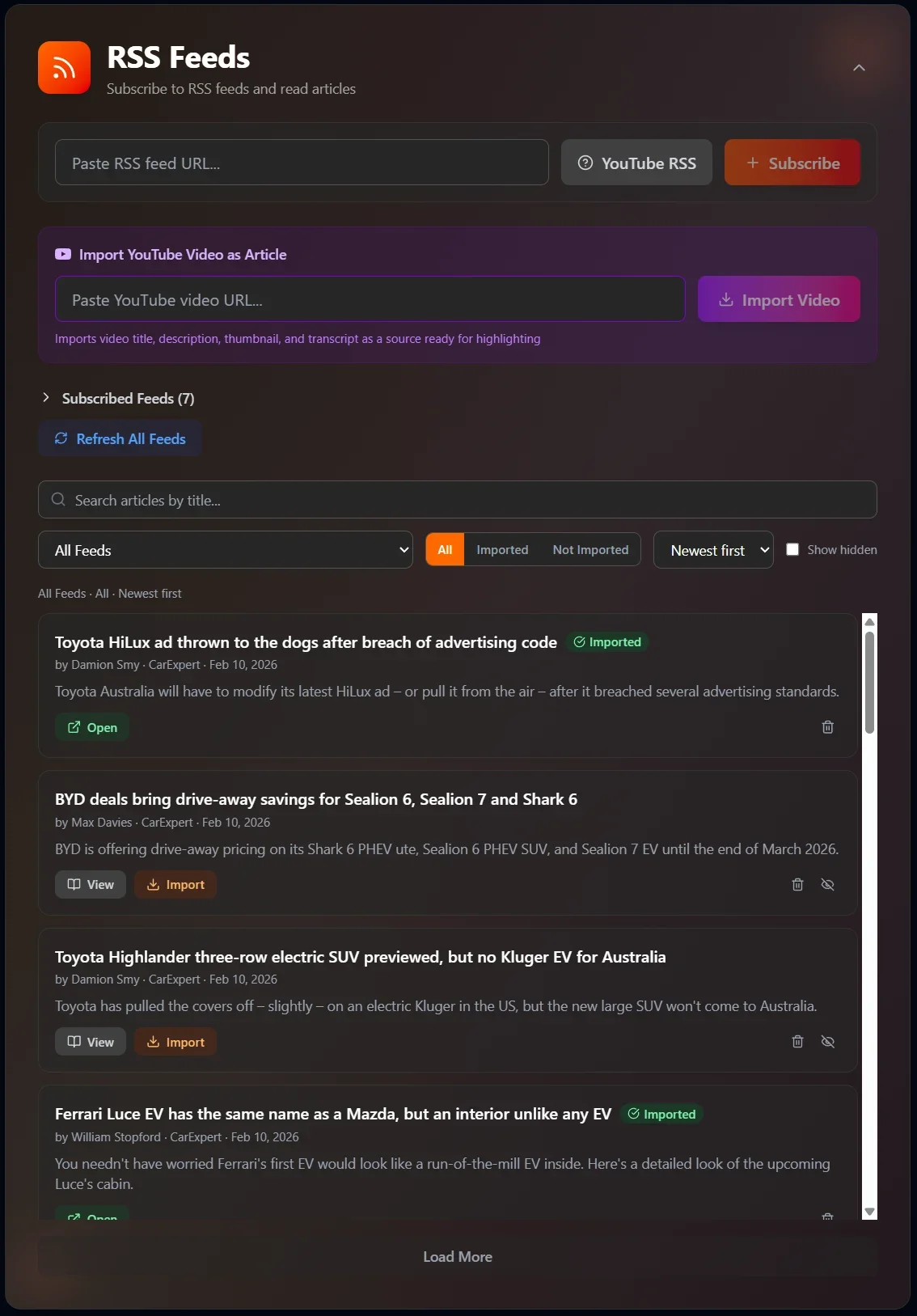
Subscribe to any YouTube channel as an RSS feed. When a video is published, Unearthed imports it automatically — along with the full transcript (optional). Highlight the transcript, add notes, and export everything to Obsidian. Treat YouTube like any other reading source.
Full Article, Instantly
RSS feeds often only deliver a summary or the first few paragraphs. One click on Get Full Article fetches and displays the complete text — without leaving the app.
Or skip the button entirely. Enable automatic full-article download per feed and the complete content is already waiting when you open anything. Configure it once per feed — only auto-download what you actually want.
Kindle Sync
Import all your Kindle highlights and notes through a built-in browser. Auto-sync every hour in the background.
RSS Feed Reader
Subscribe to RSS feeds and YouTube channels, or import any web page. Full-height article list with collapsible controls for maximum reading space.
Export
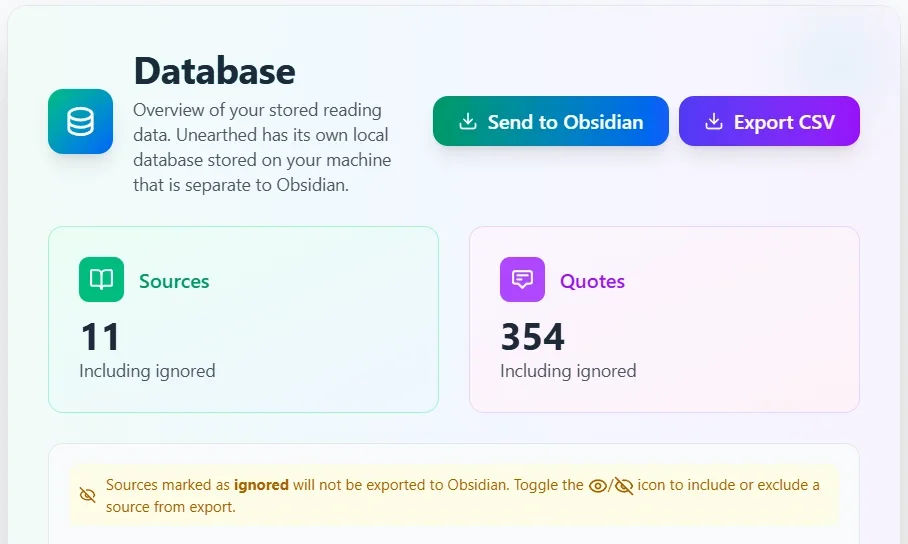
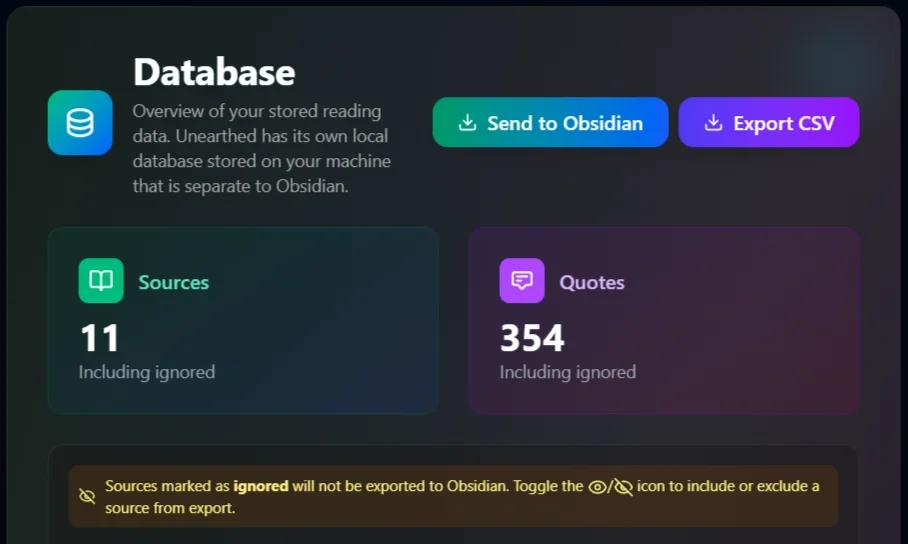
Smart export to Markdown with customisable templates. Sync your highlights to your Obsidian vault or your Craft workspace — or both. Optionally include full article content. Only adds new quotes on re-export.
KOReader Sync
Built-in API server for wireless highlight syncing from your e-reader. No USB cable needed.
Article Highlighting
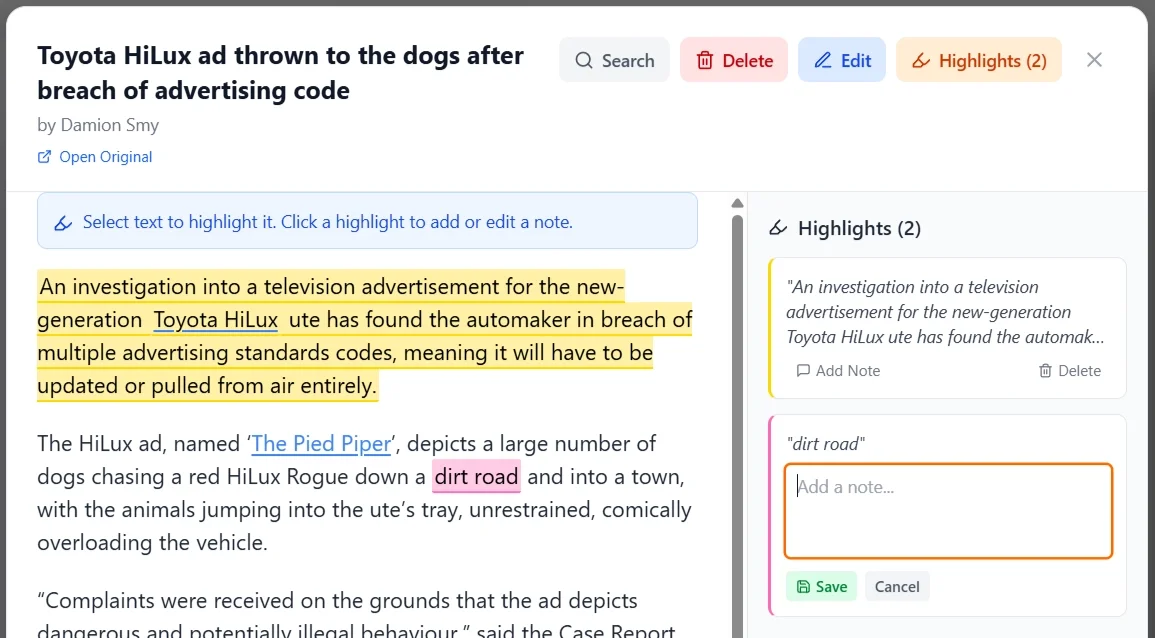
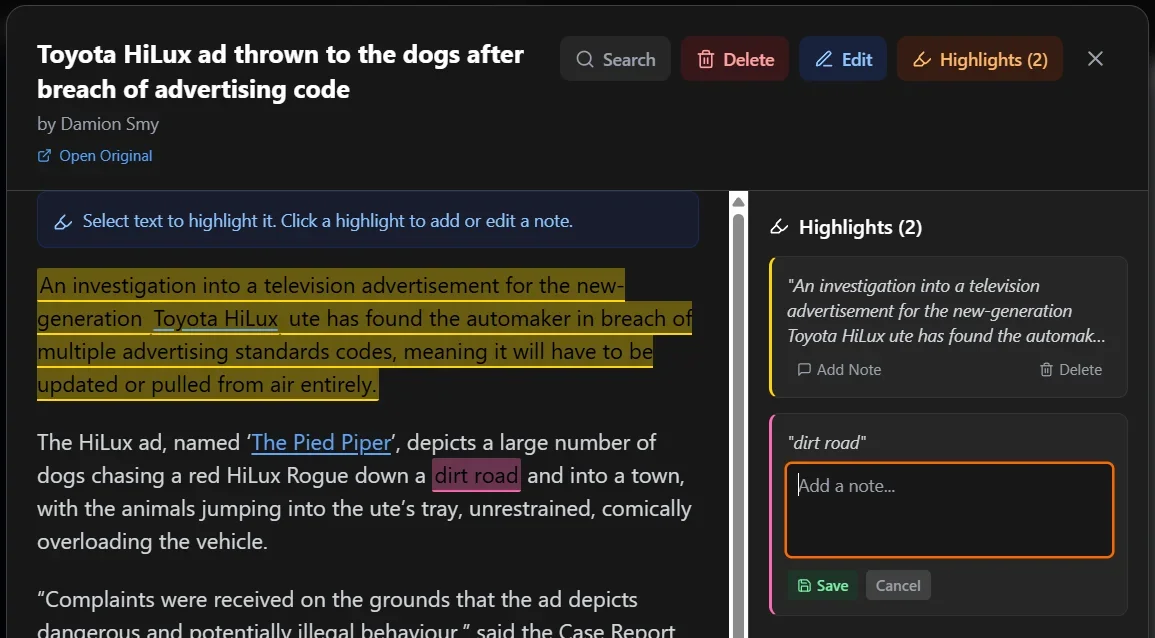
Color-coded highlights, notes, and copy-to-clipboard on imported articles. Styled delete confirmations and keyboard-driven workflow.
Read It Later
Bookmark articles to read later. Filter your feed to show only saved articles. Keyboard-driven with a single key press.
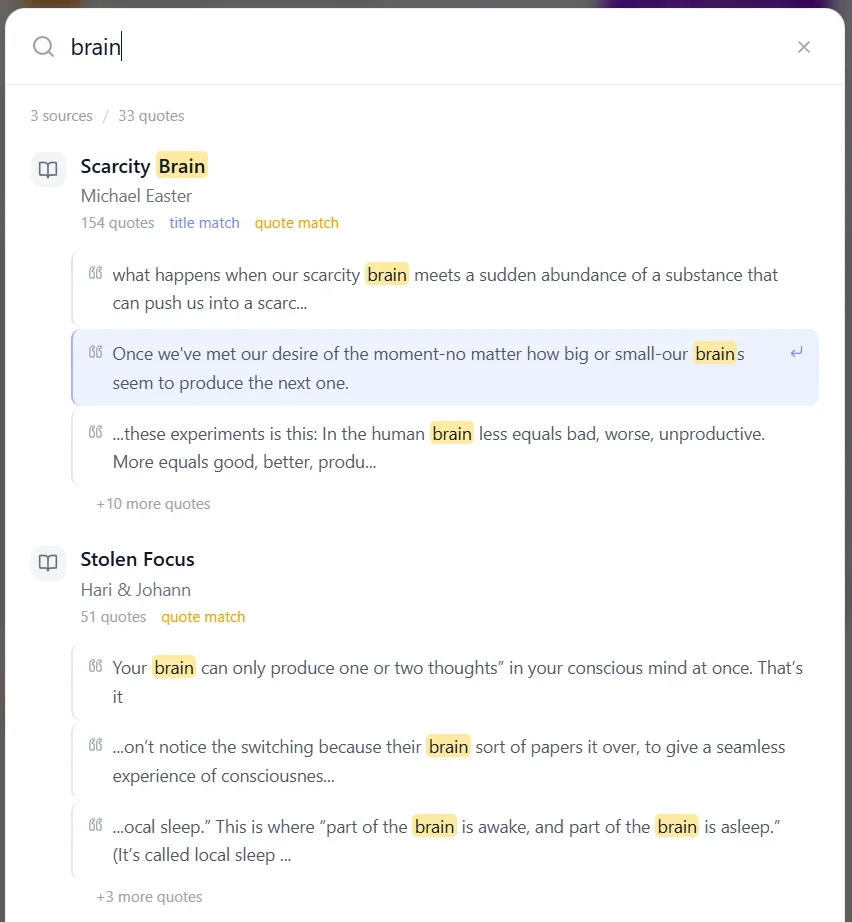
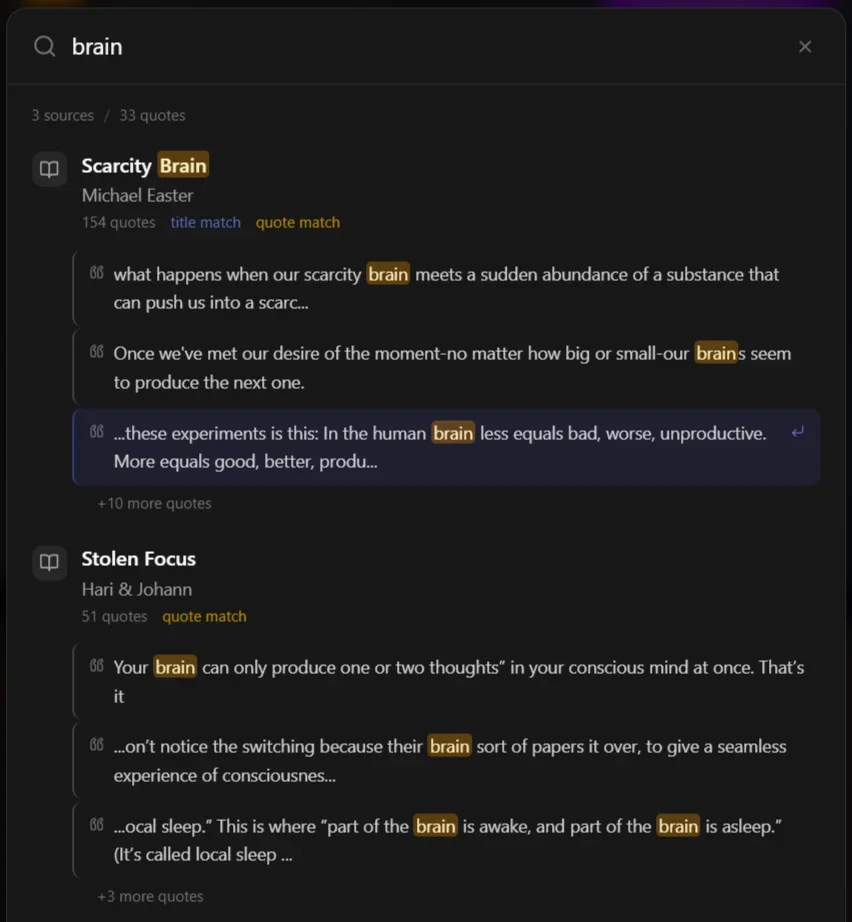
Global Search
Cmd+K to instantly search across all your books, quotes, notes, and articles.
System-Wide Shortcuts
Press Ctrl+Shift+I from anywhere to import a URL instantly, even when the app is minimized. Quick access to RSS feeds with Ctrl+Shift+O.
Daily Reflection
A random quote added to your Obsidian daily note. Supports custom date formats and heading insertion.
Keyboard Shortcuts
55+ shortcuts for fast insertion and navigation. System-wide shortcuts let you import content from anywhere.
Cross-Platform
Windows, macOS, and Linux. One purchase, all Desktop platforms. Run in the background or from the menu bar.
100% Private
All data stored locally in SQLite. No cloud, no accounts, no tracking. Your data never leaves your home.
Simple Setup
Install
Download for your platform and run the installer
Connect
Log into Kindle, paste RSS feeds, or set up KOReader
Configure
Point Unearthed at your Obsidian vault and/or connect your Craft workspace
Done
Auto-sync keeps everything up to date. You don't even need to open the app again.
Buy Once. Keep Forever.
No subscriptions. No lock in. Free updates within your major version.
Buy version 1.x — get every update up to 1.9.9 for free.
Own Your Reading Life
No subscriptions. No lockin.